

 Sign In

Archive
All PostsJuly 2026June 2026May 2026February 2026January 2026December 2025October 2025September 2025July 2025October 2024June 2024February 2024January 2024November 2023October 2023August 2023April 2023March 2023February 2023January 2023December 2022July 2022May 2022March 2022December 2021November 2021October 2021September 2021August 2021July 2021June 2021May 2021April 2021March 2021February 2021January 2021December 2020November 2020October 2020July 2020May 2020April 2020March 2020February 2020January 2020October 2019September 2019July 2019March 2019February 2019October 2018September 2018August 2018July 2018June 2018March 2018February 2018January 2018December 2017November 2017July 2017June 2017April 2017February 2017January 2017August 2016June 2016February 2016November 2015October 2015September 2015July 2015June 2015January 2015November 2014October 2014September 2014August 2014July 2014June 2014May 2014April 2014February 2014January 2014October 2013September 2013July 2013February 2013October 2012September 2012May 2012January 2012November 2011July 2011February 2011January 2011December 2010October 2010April 2010February 2010January 2010December 2009September 2009February 2009July 2008July 2007April 2007April 2006March 2006November 2005May 2005October 2004August 2004June 2004May 2004April 2004March 2004December 2003May 2002November 2000
IDP SMART-Bit+ Ribbon Shredder for Secure ID Card Printer Ribbon Disposal
The IDP SMART-Bit+ Ribbon Shredder securely destroys used ID card printer ribbons into tiny, unrecognizable particles, helping protect sensitive cardholder information. Compatible with popular dye-sublimation ribbons from major card printer brands.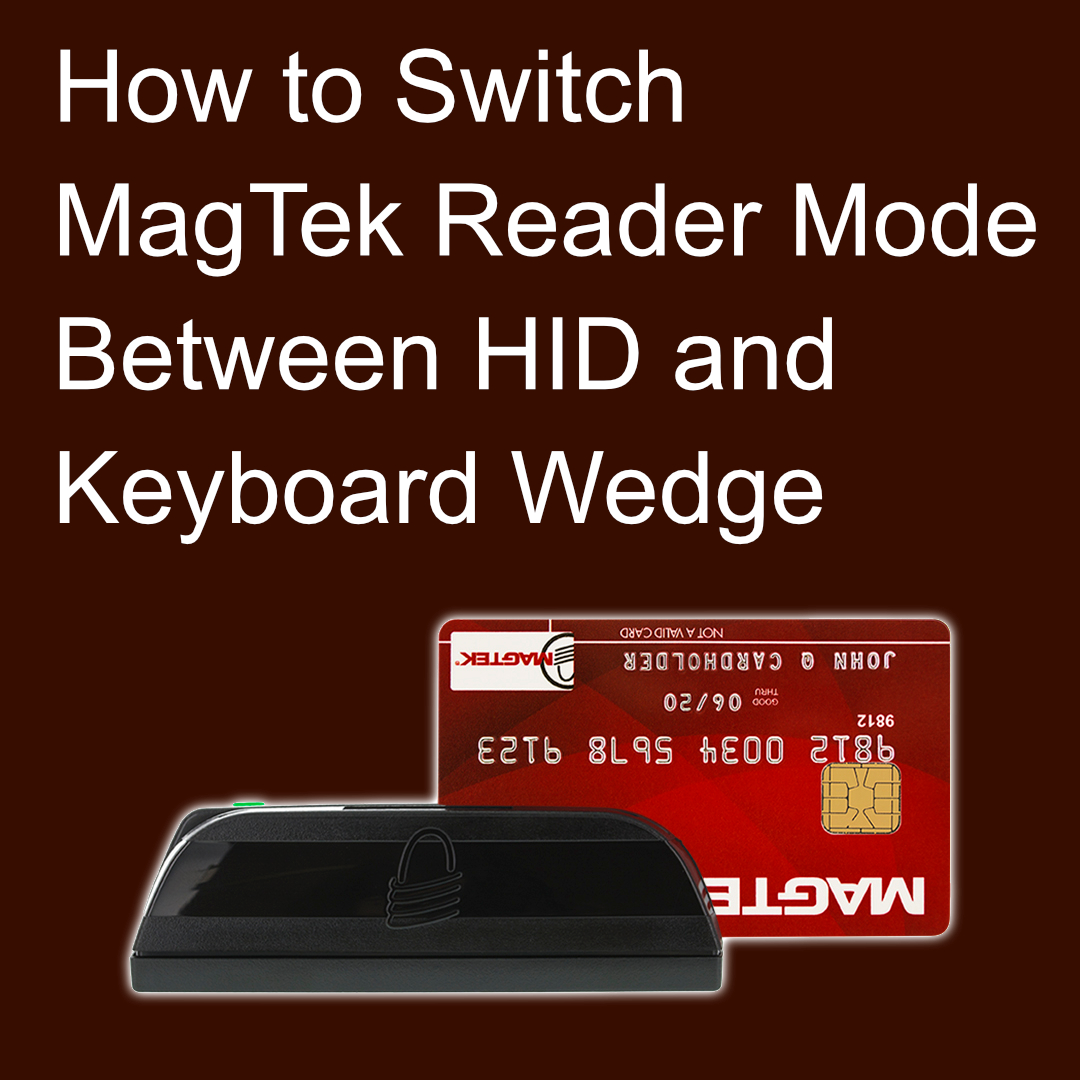
How to Switch a MagTek Magnetic Stripe Reader Between HID and Keyboard Wedge Mode
Learn how to switch a MagTek magnetic stripe reader between HID and Keyboard Wedge mode using the USBMSR utility and the correct reset command.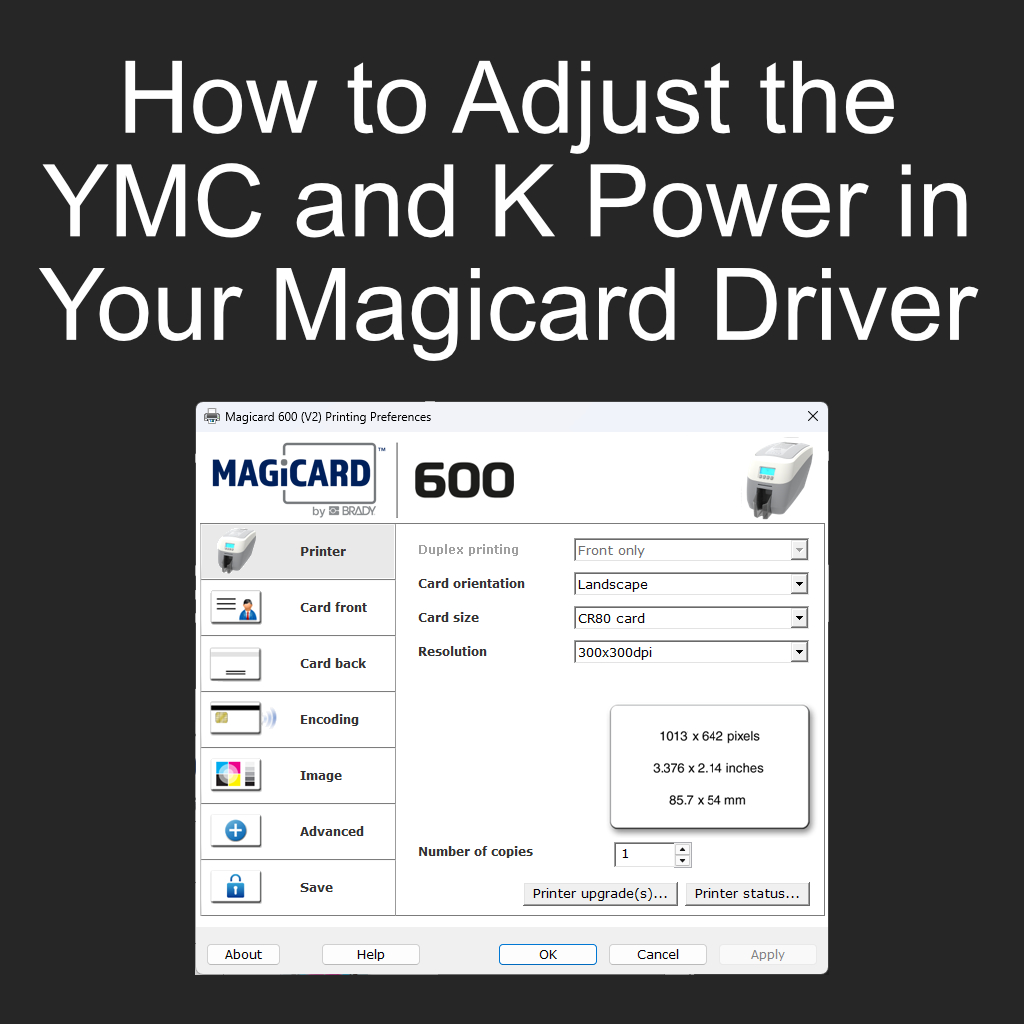
How to Adjust the YMC and K Power in Your Magicard Driver
How to adjust the YMC and K power settings in your Magicard printer driver to improve color and black print quality on ID cards.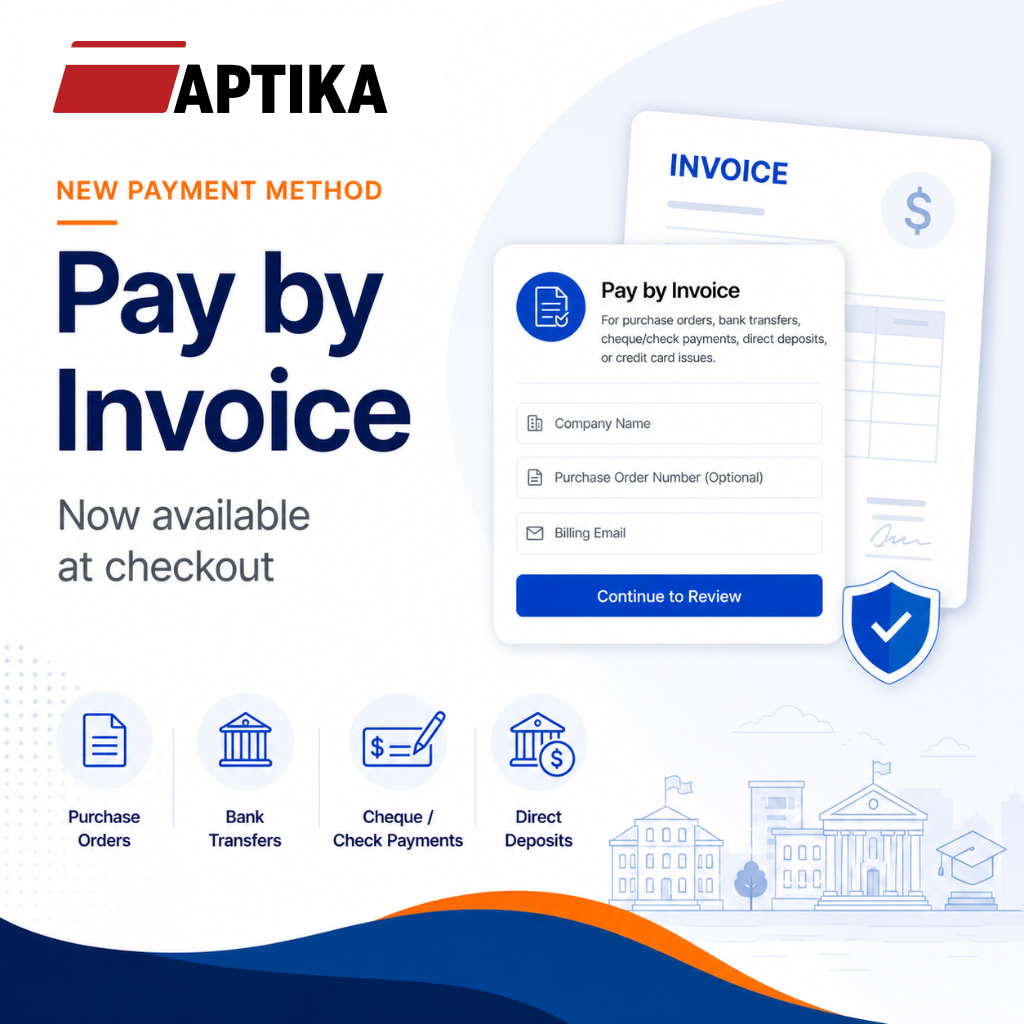
Aptika Adds a New Payment Method: Pay by Invoice
Aptika now offers Pay by Invoice at checkout, giving eligible customers a simple way to place orders online and complete payment later by purchase order, bank transfer, Interac e-Transfer, cheque/check payment, or direct deposit.
The Wait is Over: IDpack v4 has Arrived at Aptika!
Discover IDpack v4 at Aptika! Experience the classic "One Project" workflow now in the cloud. Choose from Element, Business, Professional, or Enterprise for secure, pro-grade ID cards.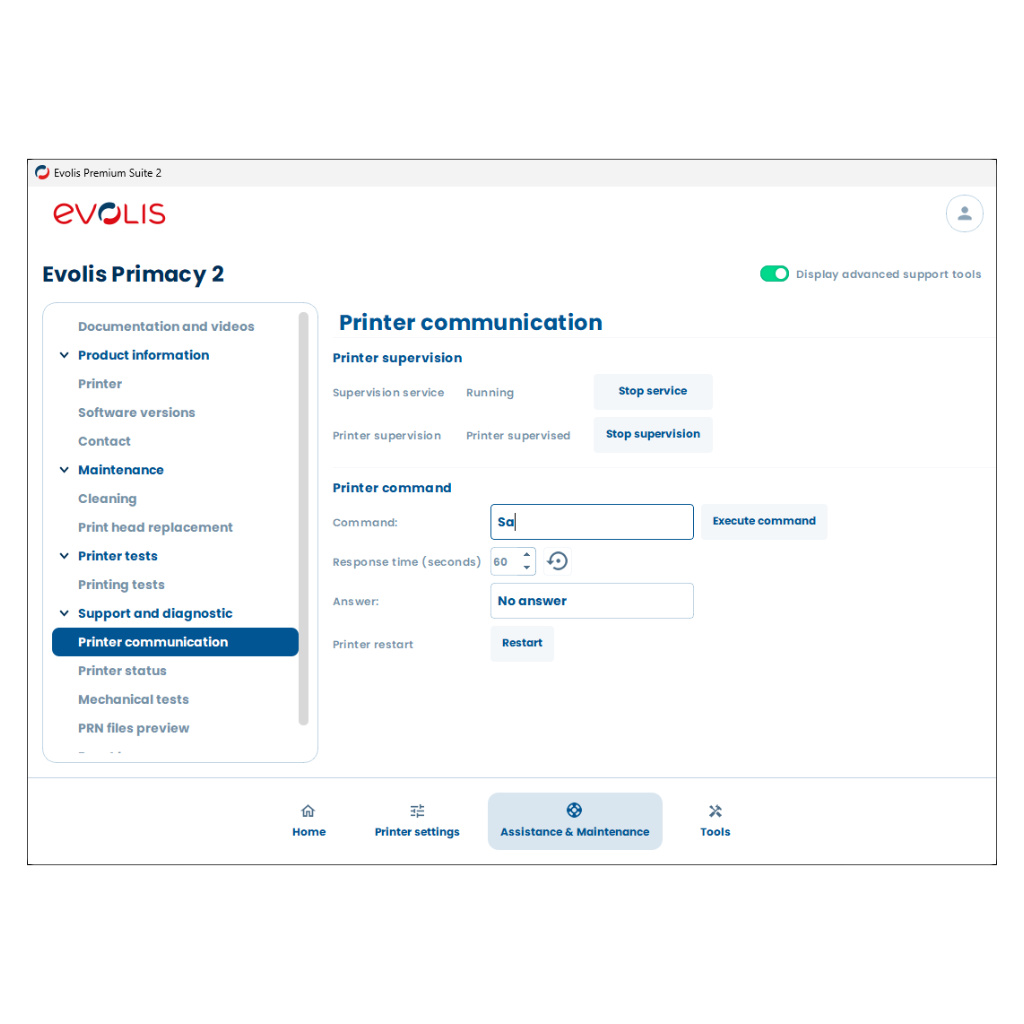
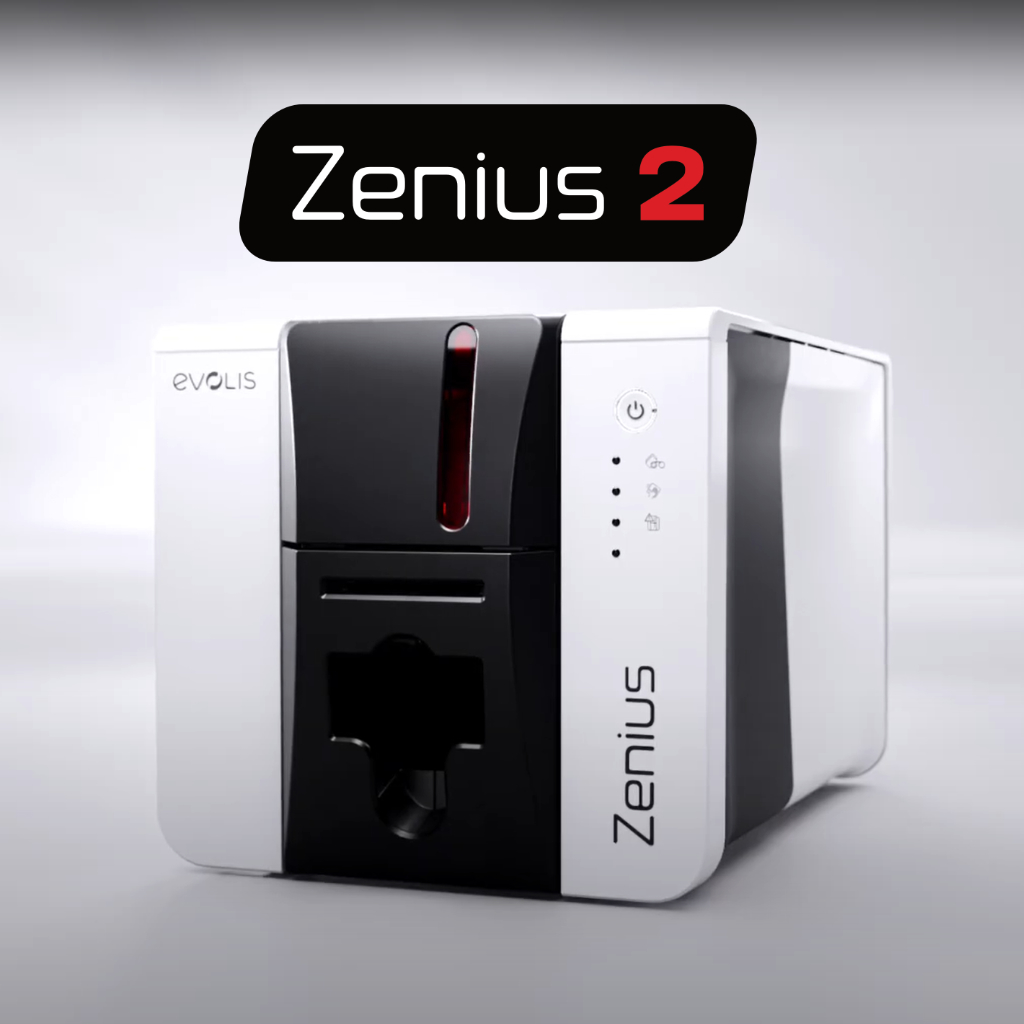
How to Calibrate your Evolis Primacy 2 and Zenius 2 Sensors
Calibrate the sensors on your Evolis Primacy 2 or Zenius 2 using Evolis Premium Suite 2 to fix card detection, ribbon alignment, and feed errors quickly and safely.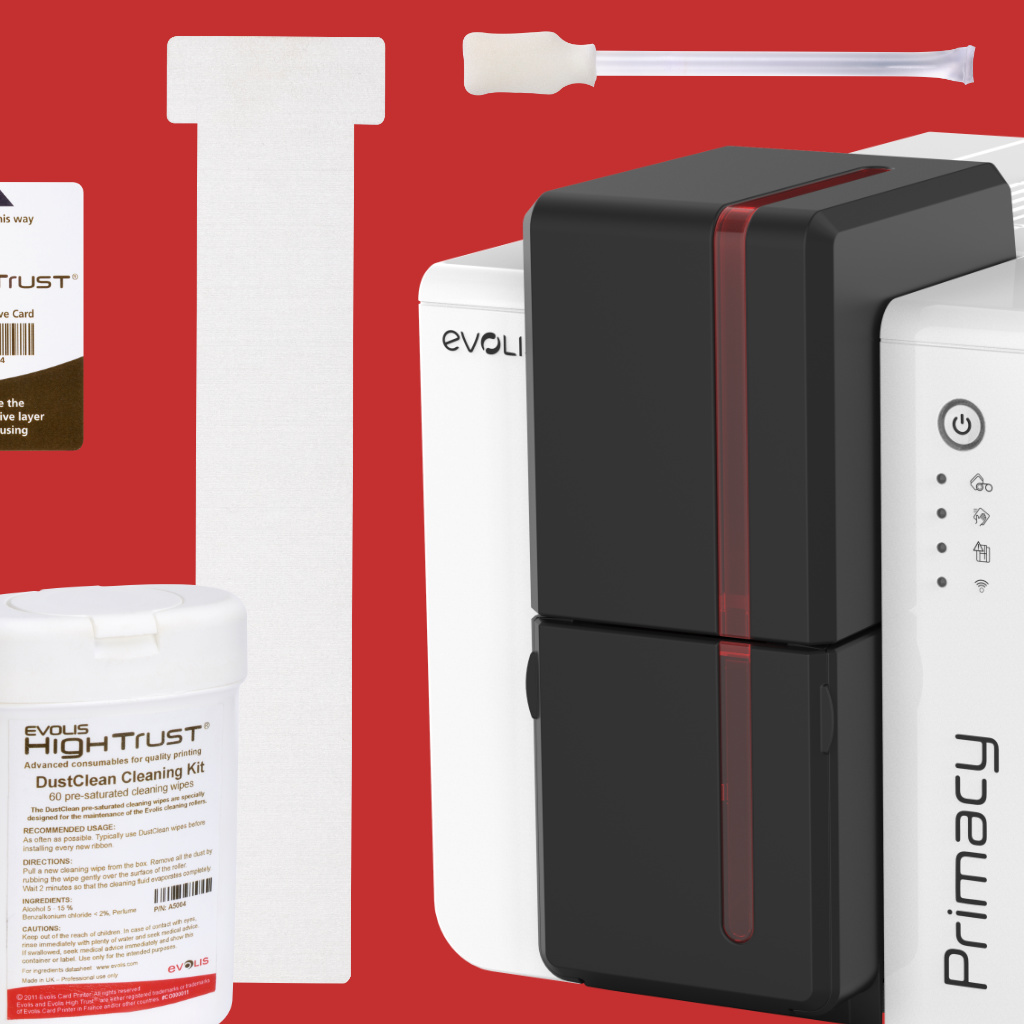
How to Perform an Advanced Cleaning on the Evolis Zenius 2 or Primacy 2
Learn how to perform an Advanced Cleaning on the Evolis Zenius 2 and Primacy 2 card printers. This guide explains when cleaning is required, the tools needed, and the step-by-step process.
HID FARGO DTC Consumables: New High-Capacity Color Ribbons are In Stock at Aptika
HID FARGO DTC consumables include dye-sublimation and resin color ribbons designed for FARGO DTC printers to produce durable cards with vivid images, crisp text, and accurate barcodes. New higher-capacity full-color ribbons.
Aptika's Exclusive Tour of the Evolis ID Card Printer Manufacturing Facility in France
From Trustech Paris to Angers, Aptika shares an exclusive behind-the-scenes visit inside the Evolis manufacturing headquarters in France.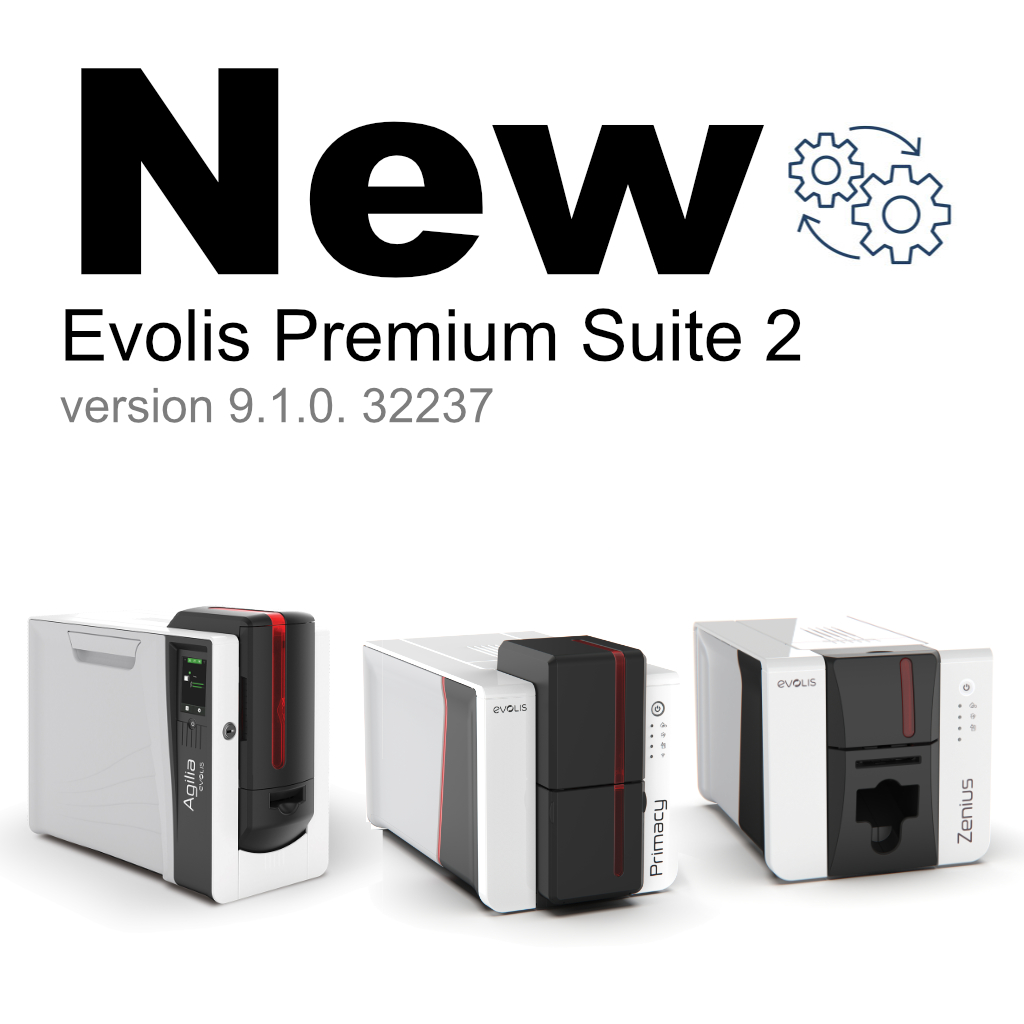
Evolis releases new driver and firmware for Agilia, Primacy 2, and Zenius 2
Evolis Premium Suite 2 v9.1.0 adds laminator cleaning info, UI enhancements, and 64-bit support for Agilia, Primacy 2, and Zenius 2 printers.